XStore theme eCommerce WordPress Themes xstore official website WooCommerce templates for modern stores Find additional templates Find your perfect theme Official website XStore by 8theme wordpress support forum 8theme.com - WooCommerce WordPress themes Click here to see more XStore theme by 8theme.com best wordpress themes Learn more WordPress WooCommerce Themes Explore our best WordPress themes here Discover WooCommerce templates for your online store Find the perfect WordPress theme for your business Browse our collection of premium WooCommerce themes See our top-rated WordPress eCommerce themes Premium WordPress Themes Try XStore Demo WooCommerce Themes Read more on our blog WordPress Themes 8theme WordPress forum Visit website WordPress Themes by 8theme Check XStore Docs wordpress support forum See our recommended WordPress themes Best WooCommerce Themes XStore WordPress Themes XStore Documentation eCommerce WordPress Themes

Need help? Call us:

+973 33169625

Gulf Coverage

Serving KSA, Bahrain, Kuwait, Qatar & Oman.

Global Brands

Trusted names in instrumentation & testing.

Proven Partner

Reliable solutions backed by expertise.

Quick Delivery

Fast turnaround across the region.

Need Help?

+966 505 275 601
+966 556 514 718

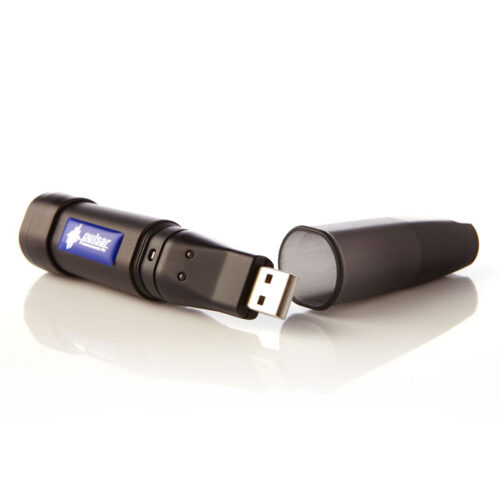
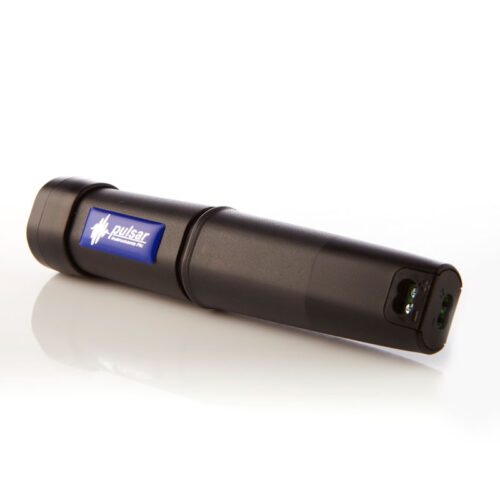
SafeEar Data Logger for noise monitoring

Brand:

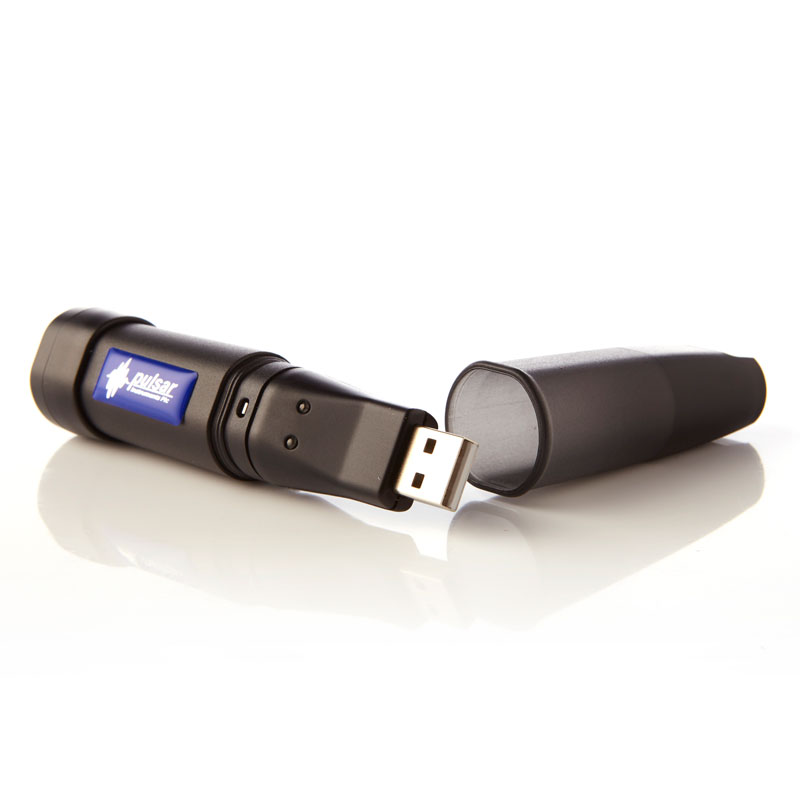
Do you want to record your SafeEar’s noise measurements for noise monitoring? The Pulsar SafeEar Master Unit can be upgraded to become a data logging unit by adding the Pulsar SafeEar Data Logger and USB software allowing noise measurements to be recorded for up to 22 days!

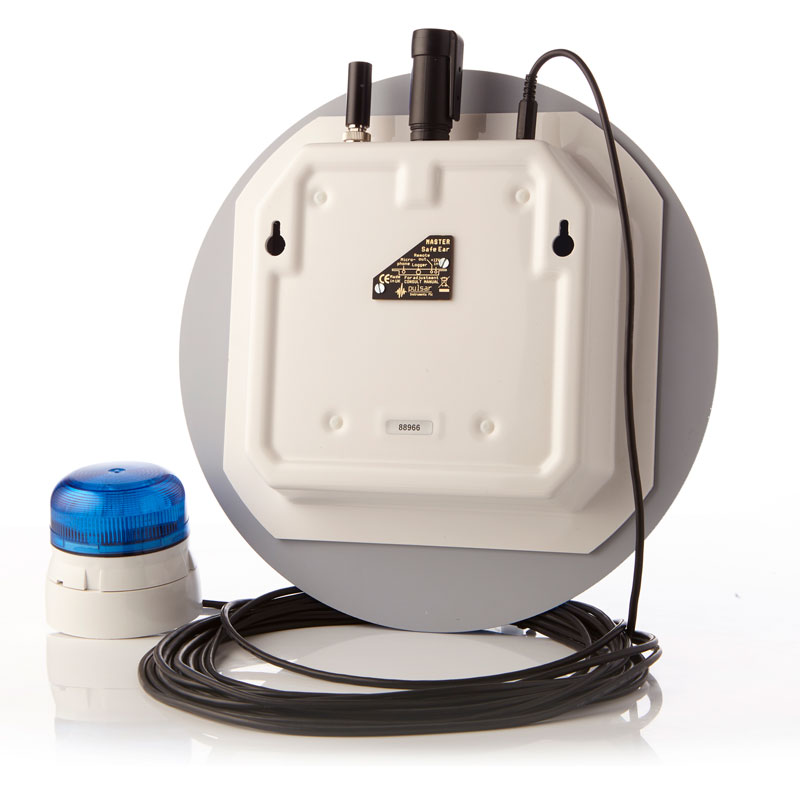
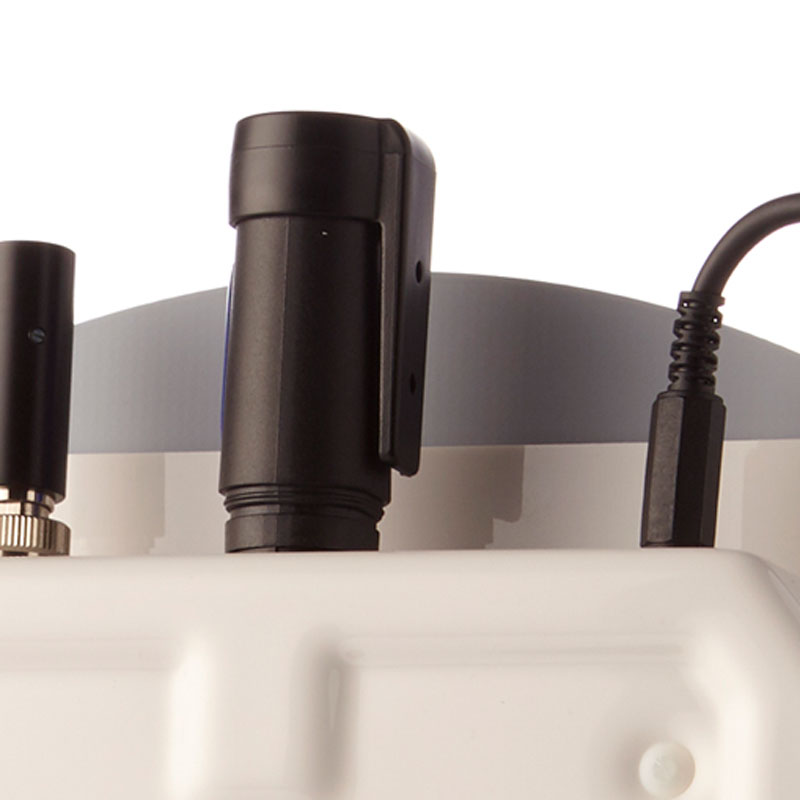
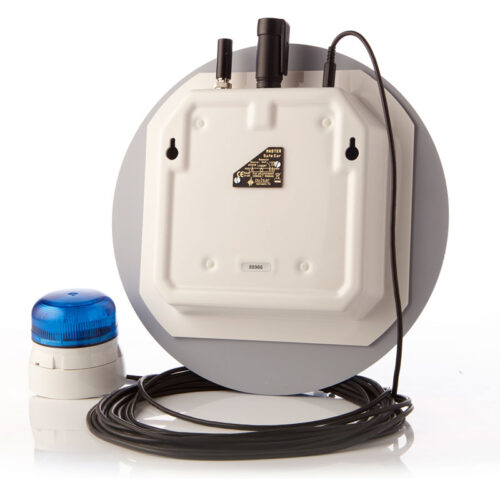
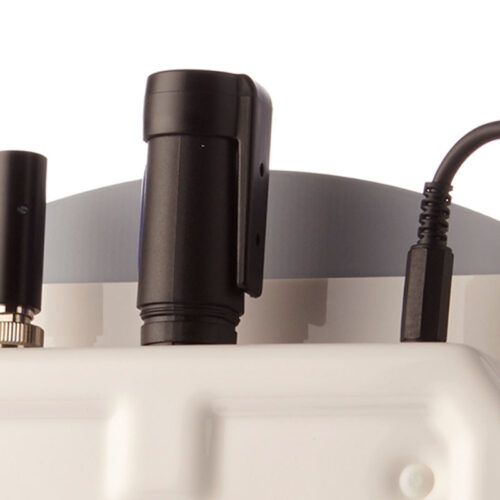
The Pulsar SafeEar can be upgraded to become a data logging unit by adding the Pulsar SafeEar Data Logger for noise monitoring and USB Software. The Data Logger simply plugs into the Pulsar SafeEar Master Unit and can record noise levels over long periods of time.

The Data Logger can be programmed to start recording at a specific time and date and run, for example, over an 8-hour shift (taking measurements at 1-second intervals) or for up to 22 days (if taking measurements at 1-minute intervals).

When the Data Logger is plugged into a PC the software will display a graph of the recorded noise levels and allow the data to be printed, exported and annotated for reference. This allows you to undertake noise monitoring and keep a track of noise levels over time.

You can also add a flashing warning beacon to your SafeEar Master Unit – choose a Red or Blue high density flashing beacon triggered by your pre-set noise levels.

Need Help?